How do I verify my account to get 25 GB for free?
Want to get 25 GB of storage for free? Simply verify your account. The whole process is quick, secure, and only takes a few minutes.
Account verification process
1. Go to the storage purchase page
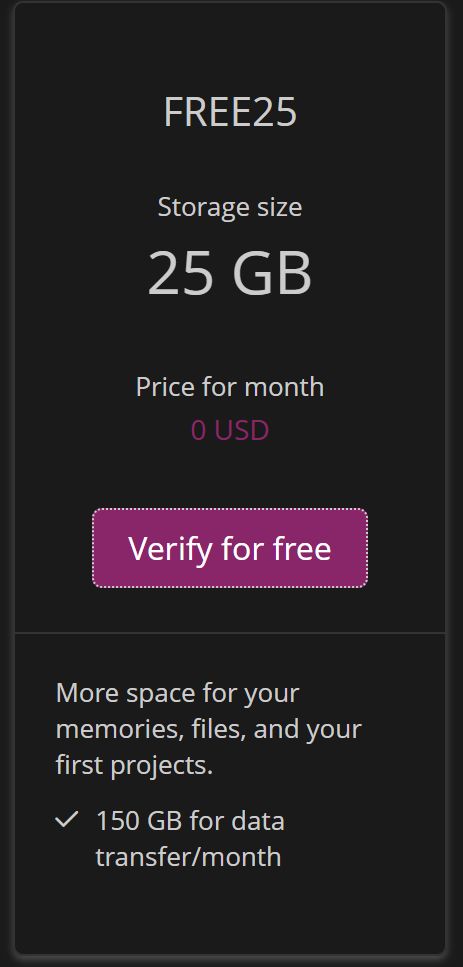
Visit: /koupit-disk, where you can find storage upgrade options and select the FREE25 plan.
2. Click the free verification option
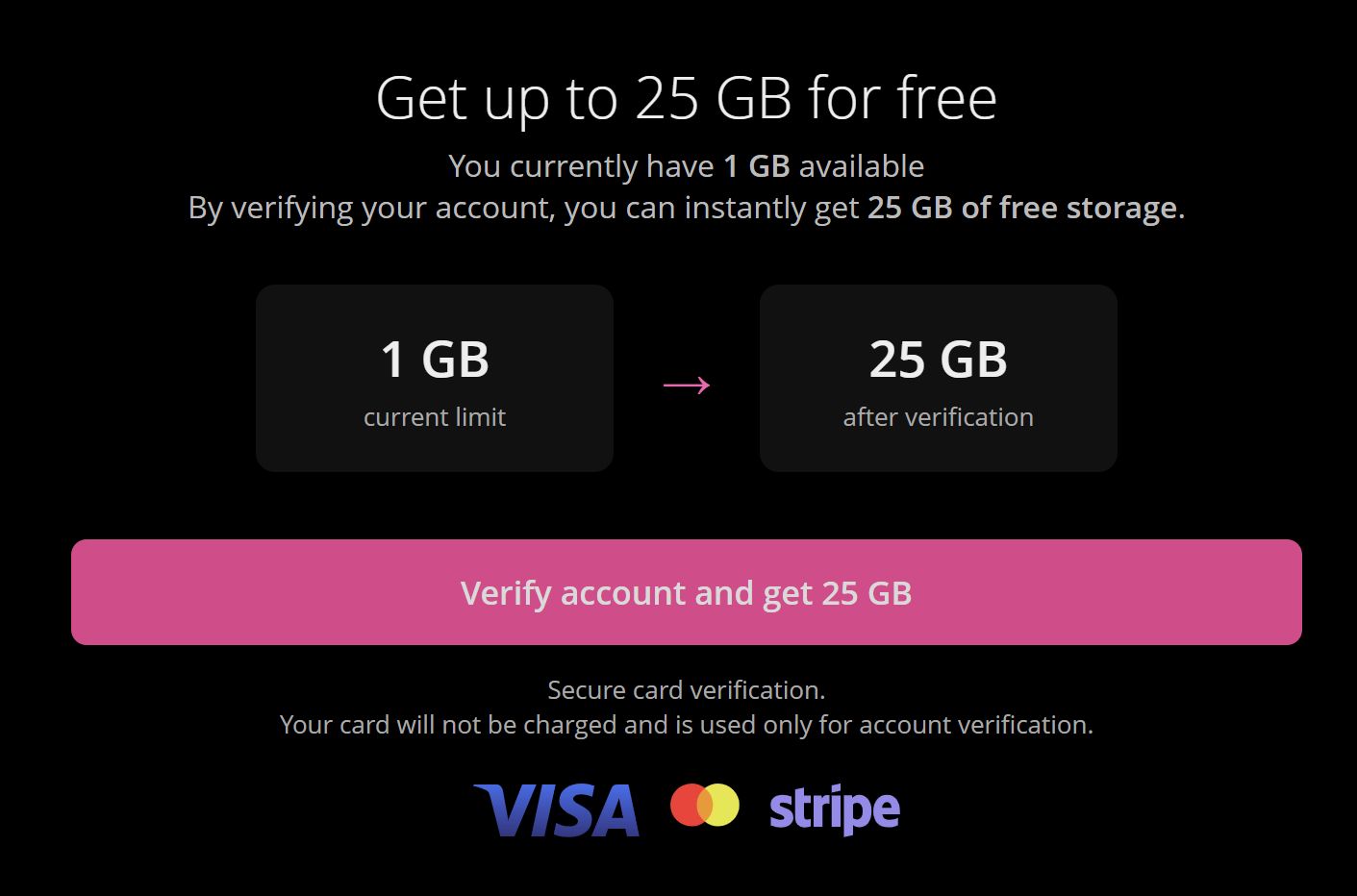
On the page, click the “Verify for free” link, which will redirect you to /verify-account.
3. Enter your payment card
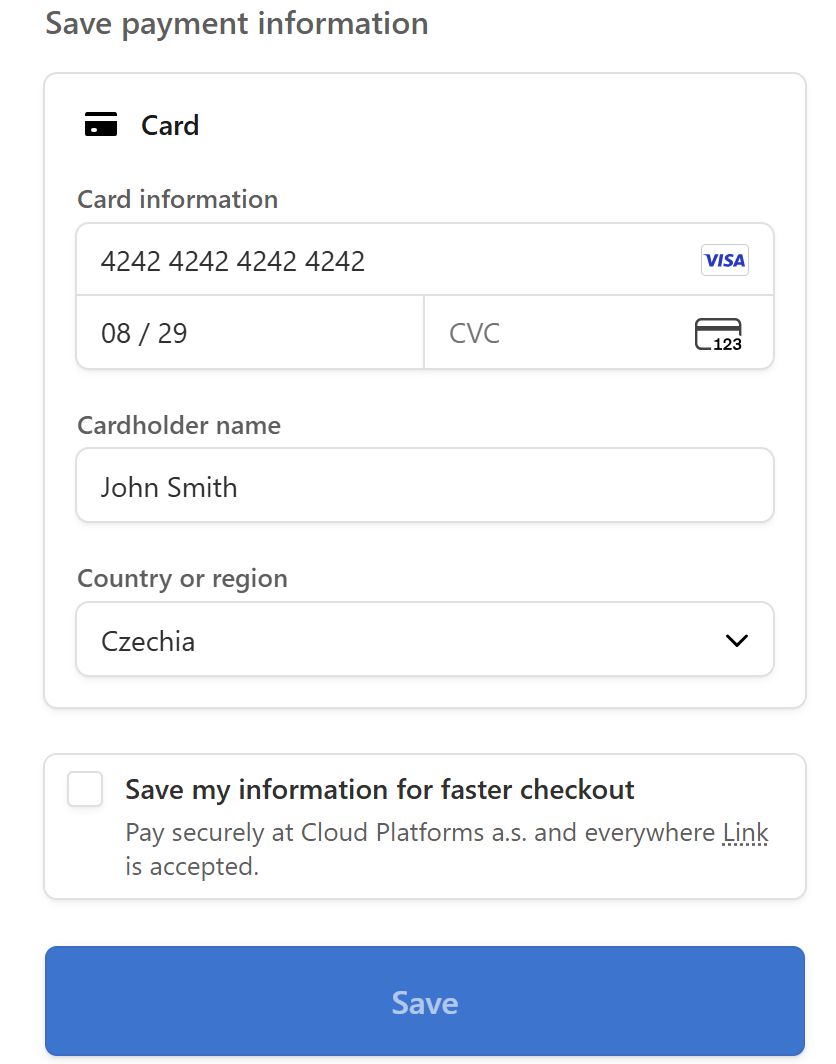
To complete verification, you will be asked to enter your payment card details. This step is used solely to verify your identity.
- No charges will be made to your card
- No temporary hold or test transaction will occur
- Your details will not be used for any future billing
The card is only used as a standard security method to help prevent abuse of the service.
4. Get 25 GB instantly
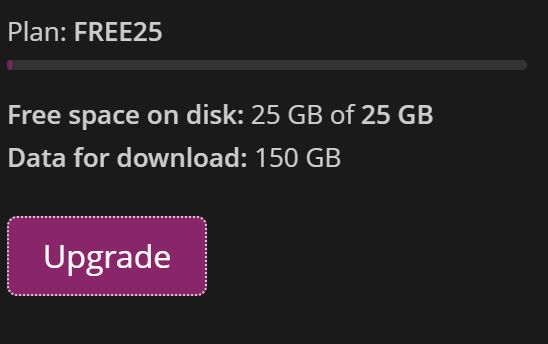
Once the verification is completed, your account will be marked as verified and you will immediately receive 25 GB of free storage. No further setup is required.
Additional important information
How long does verification take?
Verification is automatic and only takes a few seconds after entering your details.
Is verification required?
No, but without it you cannot receive the 25 GB bonus.